Braincloud Software

Get every student answering, not just the front row.

Live classroom tools that share one set of classes and questions. Students join from their phones with a code. No apps to install, no student accounts.

Try it: what happens when you ask your class a question?

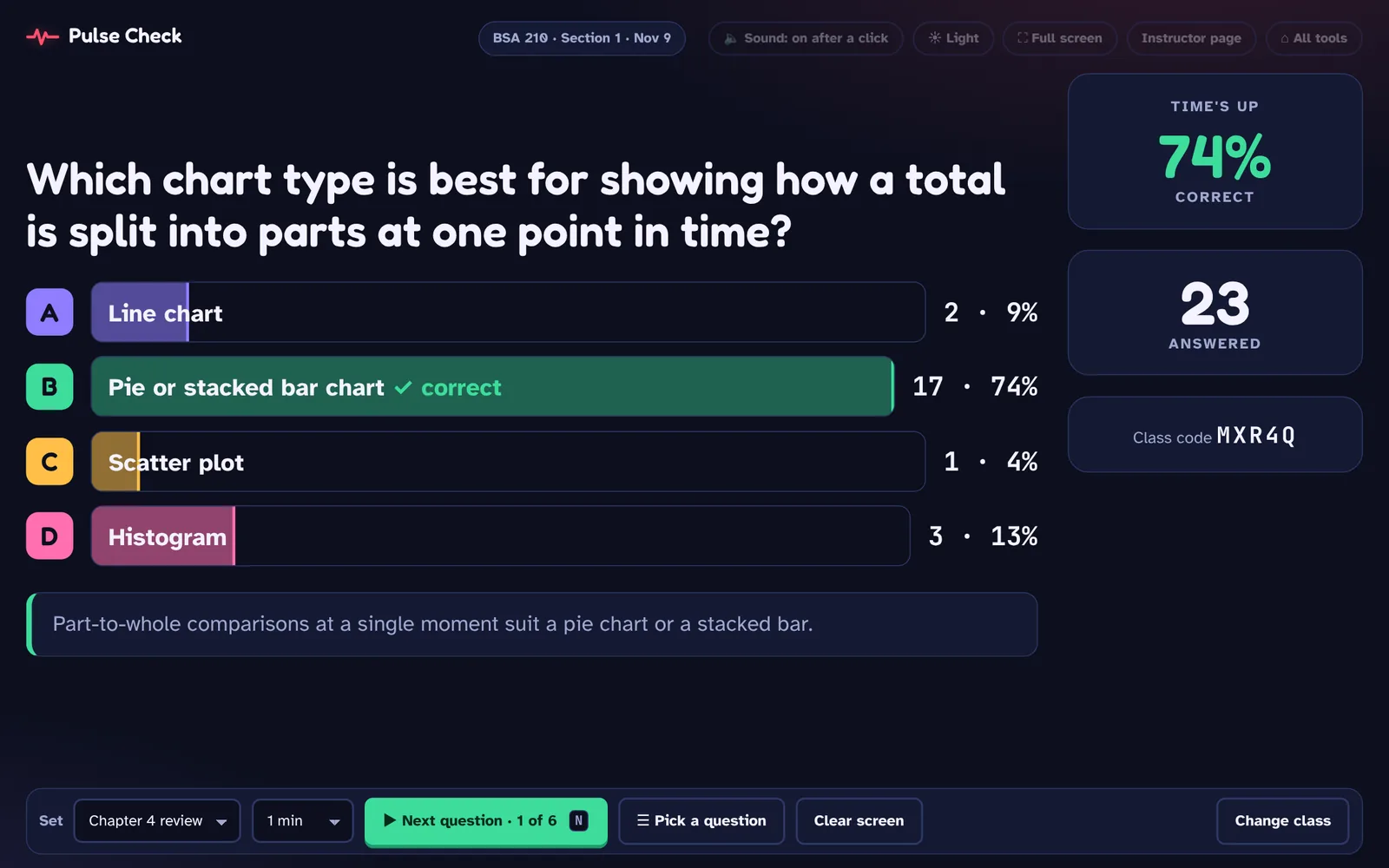
Pulse Check on a projector: a question about chart types, with a bar for each answer. 17 of 23 students chose the correct answer, 74 percent.
Pulse Check results on the projector
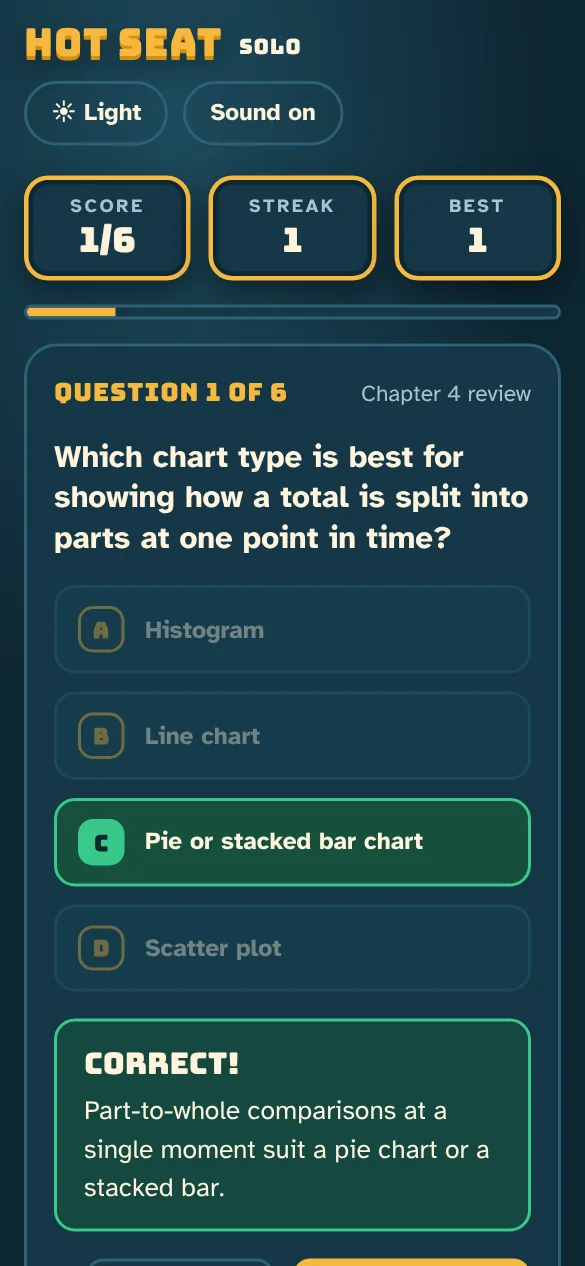
Hot Seat Solo on a phone, showing a correct answer and a running score.

Tools for every moment in class

A quick check for understanding, calling on someone, and practice at home.

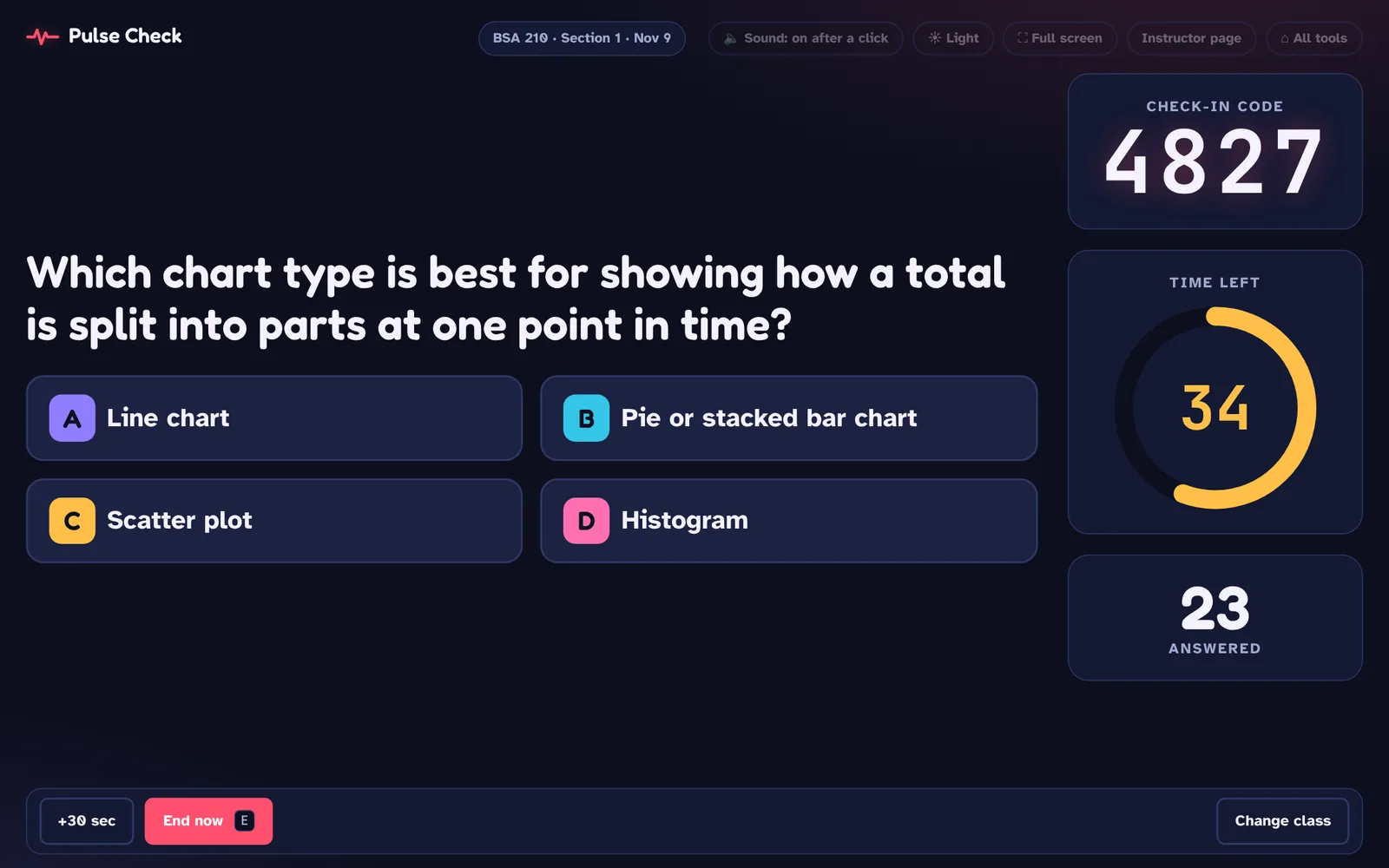
Pulse Check on the projector during a question: four answers, a check-in code, a 34-second countdown, and 23 students answered.
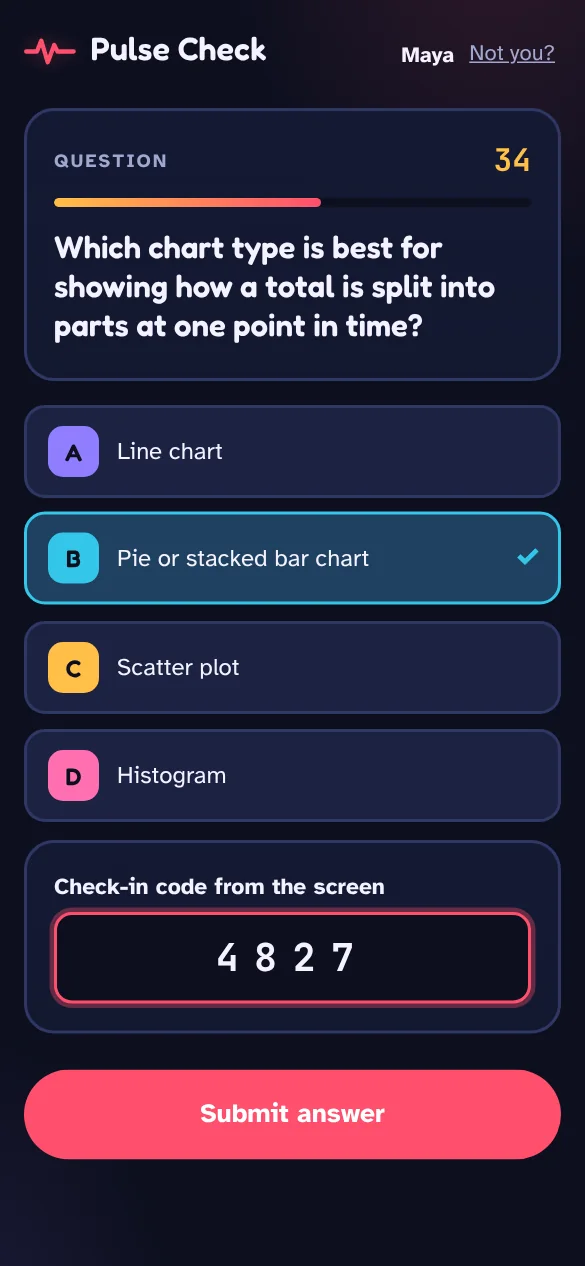
Pulse Check on a student's phone: the same question with answer B chosen, the check-in code typed in, and a Submit answer button.

Pulse Check

Ask a question on the projector and every student answers on their phone. Results stay hidden until time is up, so nobody copies the crowd.

  • A check-in code shown only on the projector, so answers also take attendance
  • A timer you can extend or end early
  • Results with the right answer and your explanation
  • Run it from the projector or from your phone
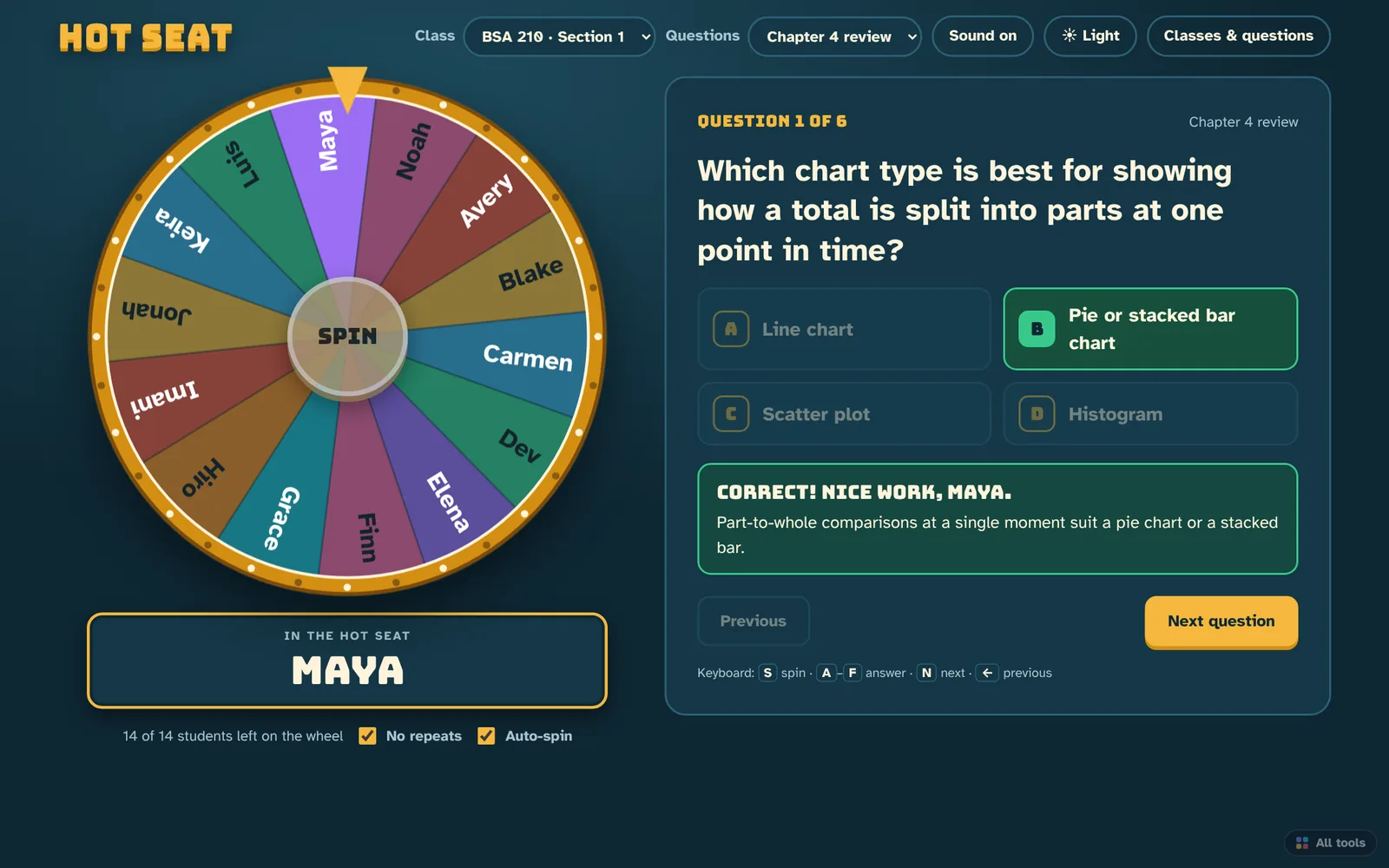
Hot Seat: a colourful name wheel has picked Maya, and her answer to the question on the board is marked correct.
Hot Seat Solo on a phone: a practice question answered correctly, with score and streak.

Hot Seat

Spin a wheel of your students' names, then put a question on the board for the student it lands on. Calling on people feels like a game instead of a gotcha.

  • No repeats until everyone has had a turn
  • Skip a student who's absent with one click
  • Picks up where each class left off, on any computer
  • Keyboard shortcuts for running it from the front of the room

Plus practice at home with Hot Seat Solo. Share any question set as a link in your course site. Students work through it on their own, with no sign-in, and get a second round with only the questions they missed.

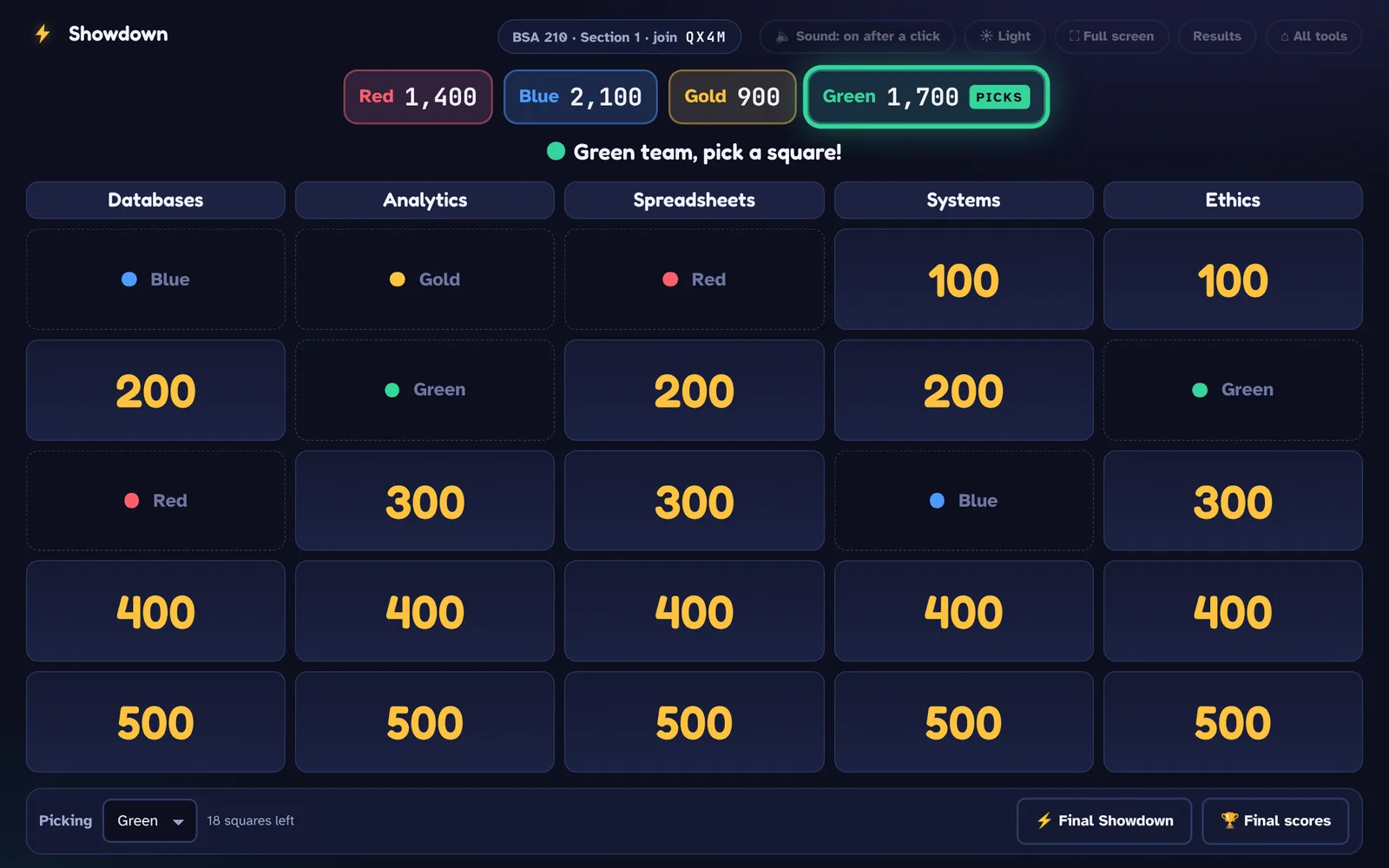
Showdown game board with five categories of squares worth 100 to 500 points, four team scores, and the Green team picking next.
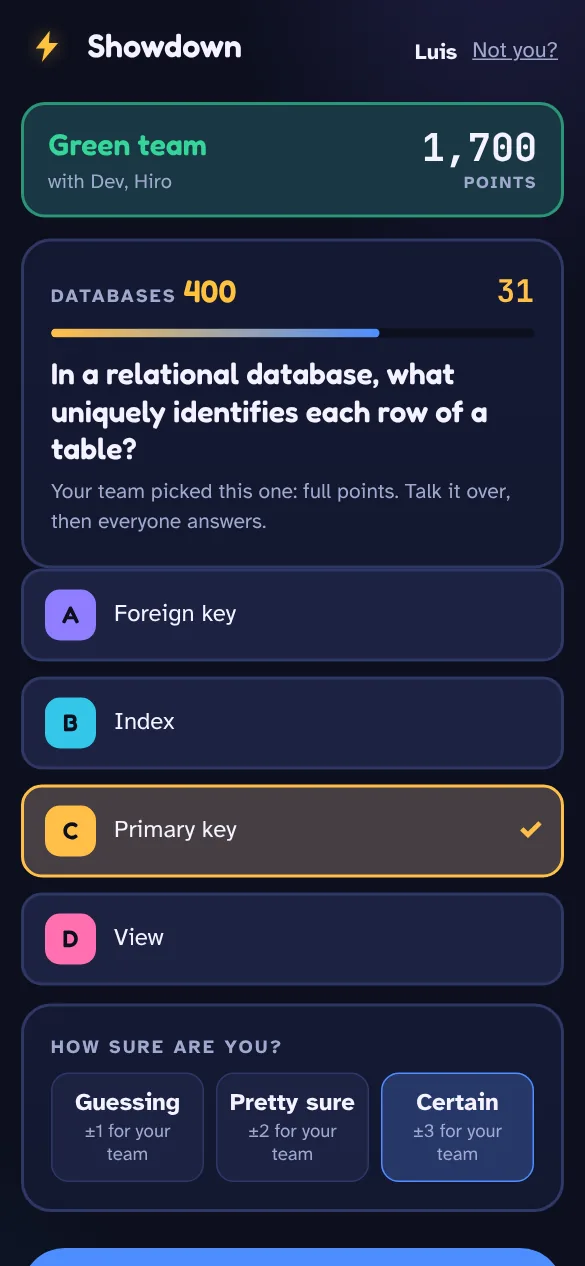
Showdown on a student's phone: the Green team card with 1,700 points, a Databases question for 400, answer C chosen, and Certain picked for how sure they are.

Showdown Coming soon

A team game show for review days, in final testing now. Teams take turns picking squares, and everyone answers on their own phone, so the whole team plays every round.

  • Categories come straight from your question sets
  • Students bet on how sure they are: guessing, pretty sure, or certain
  • Teams made at random from whoever joins
  • A Final Showdown question to finish the game

Ready for your next class in three steps

  1. Add your classes

    Paste in a class list, or add students one at a time. First names are enough.

  2. Add your questions

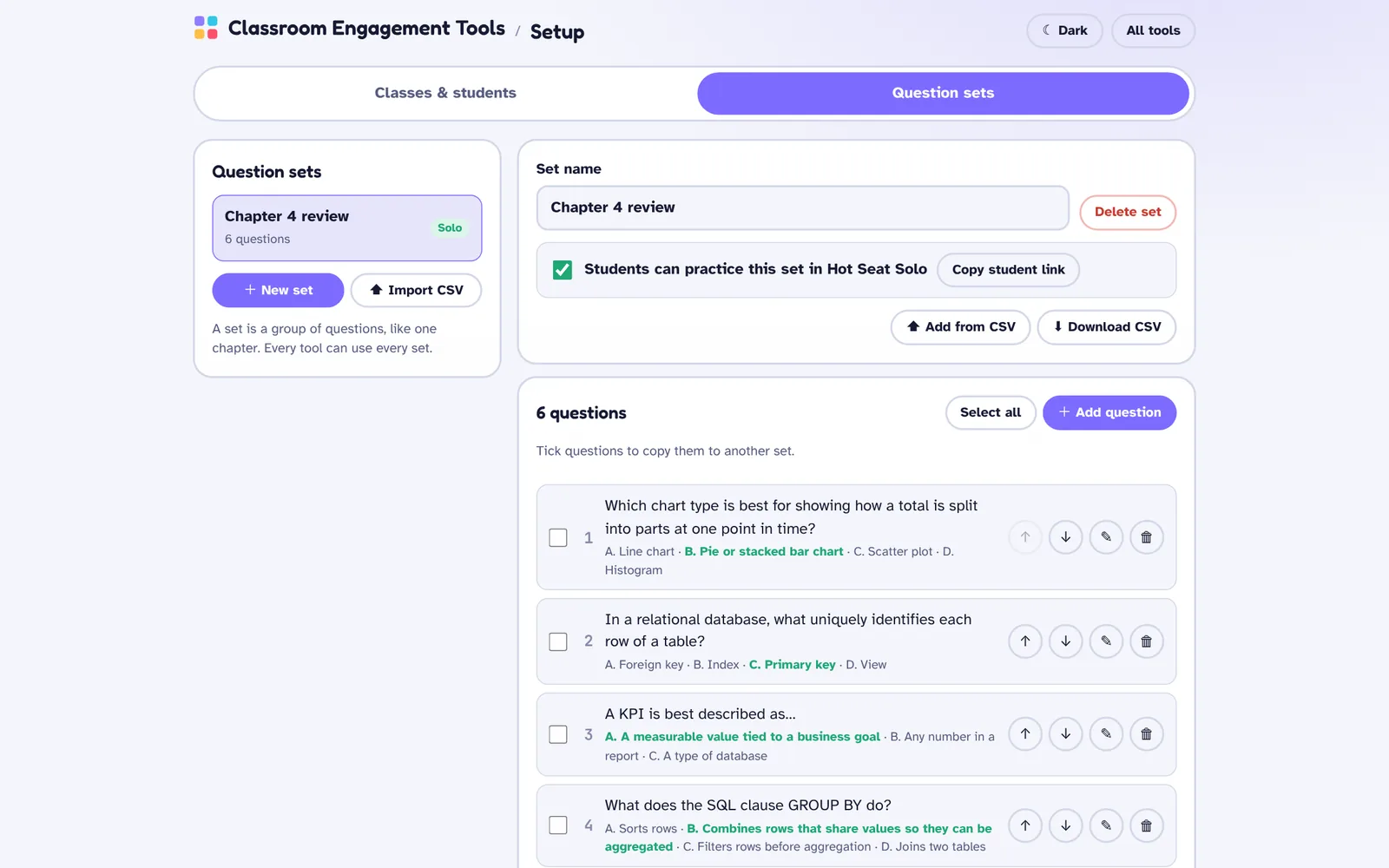
    Write them in the editor or import a spreadsheet. Group them into sets, like one per chapter.

  3. Open a tool in class

    Put it on the projector. Students go to the page, type the code, and start answering.

The Setup page listing a question set called Chapter 4 review, with six questions and buttons to add, import and download questions.

Built to collect as little as possible

The tools need to know who answered, and not much else.

  • Students never create accounts or give an email address.
  • Only first names and last initials are kept: John Smith is saved as John S.
  • Each instructor sees only their own classes, questions and results.
  • Delete a class session, a game, or a whole class whenever you choose.
  • No ads, and student data is never sold or shared.

Read the privacy policy

Request your free trial

Pulse Check and Hot Seat, including Hot Seat Solo for practice at home, are ready for your classes. Tell us a little about your teaching, and you'll get an email with your sign-in details.

  • Free to get started
  • Help moving your existing questions in
  • An early look at Showdown when it's ready

Questions first? Email hello@braincloud.software.

Tools you'd like to use

Questions instructors ask

What does it cost?

It's free to get started. Paid plans with more features will come later, alongside a free plan, and you'll hear well before anything changes.

When is Showdown coming?

Showdown is in final testing. Check the Showdown box when you request your account, and you'll hear as soon as it's ready.

Do students need an app or an account?

No. Students open a web page on any phone or laptop, type the code on the screen, and enter their first name. Practice with Hot Seat Solo doesn't even need a code: they just open the link you share.

Can I bring my existing questions?

Yes. Import a spreadsheet saved as CSV with the question, the answer choices and the correct answer. You can also download any set as a CSV to keep or reuse.

Does it work with Canvas or my course site?

Hot Seat's practice mode, Hot Seat Solo, gives you a link for each shared question set, which you can post in Canvas or any course site. The live tools run on the projector during class, so there's nothing to connect.

What do I need in the classroom?

A computer connected to the projector, and an internet connection for you and your students. Pulse Check can also be run from your phone.

What happens to my data if I leave?

You can download your question sets as CSV files at any time. If you close your account, your classes, students, questions and results are all deleted.